


TL;DR
Students lose most of what happens in a school day because sense-making never occurs. Documentation, or “breadcrumbs,” gives students a visible trail of their own thinking so reflection becomes a real conversation with their process rather than a shrug at the dinner table. When AI is in the room, that trail matters even more; it forces the question “who did the work here?” Done right, breadcrumbs serve the learner, not the gradebook.
Another Dinner
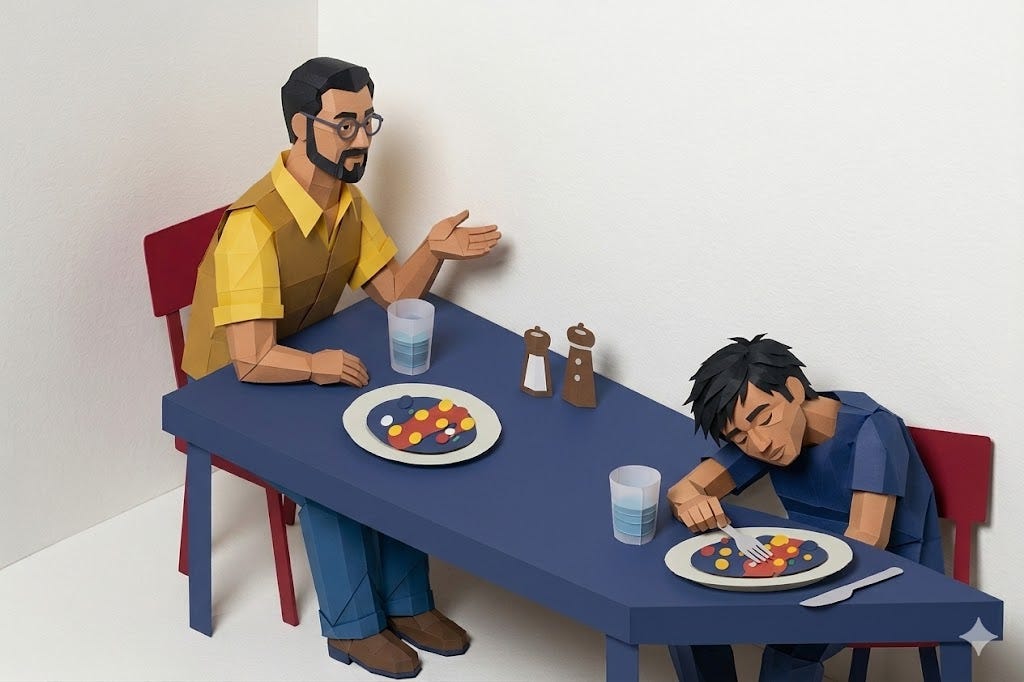
Have you ever had dinner with a teenager (maybe you were this teenager) and asked, “What did you learn at school today?”
You get the classic “nothing,” delivered with a shrug that somehow manages to be both dismissive and existentially exhausted. You try again, “But you were there for the whole day. Nothing at all? C’mon, how was your Math class? What’d you do in that class?” Another shrug. The teen sets their fork down for emphasis of exasperation.
The thing is, a lot of things happened.
Our eyes, ears, noses, mouths, and fingers are constantly feeding us sensory input; that’s how we gather information from the world and make meaning from it. The problem is that a single school day throws an enormous volume of input at students all at once.
Class after class, concept after concept, and somewhere in that chaos, teachers, students, and parents assume that something meaningful happened. It reminds me of a photography technique called “spray and pray”: take as many photos as you can without being deliberate and hope that you magically get one usable photo.
Teen angst aside, what if students aren’t being entirely evasive when they say “nothing”? They have nothing in the forefront of their minds because sense-making didn’t really happen. Without time to consolidate what happened into meaningful takeaways, insights, and actionable plans, and without a record of the process to reflect on, the day’s data becomes noise. That noise gets worse with AI as a guest in the room; the temptation to skip the hard parts of learning is certainly made more attractive when AI can just do it for you.
Meaning Making
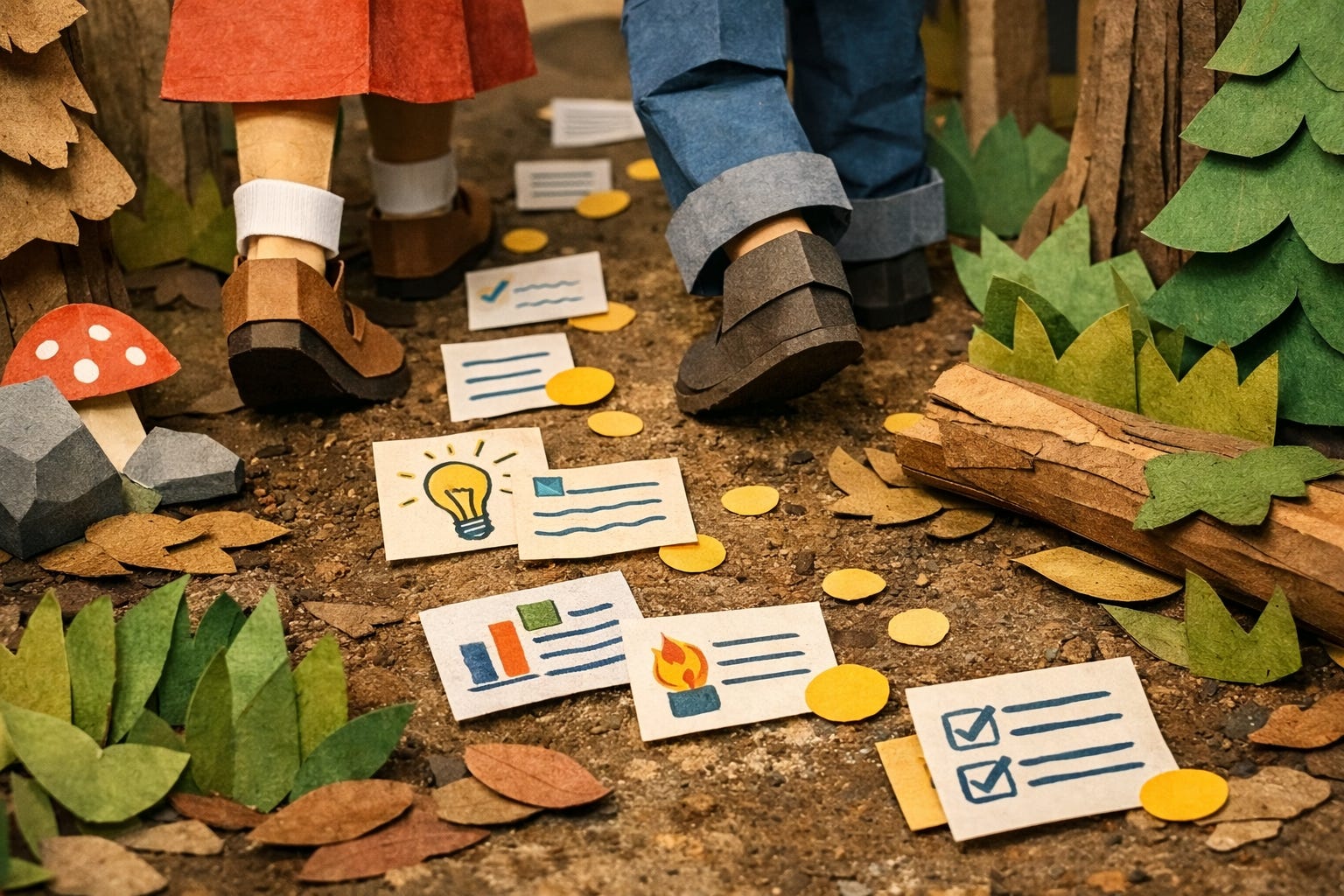
There are many ways that educators can support students to make sense of all the things that happen in their time at school. Structured thinking routines, the kind that ask students to reflect, notice, compare, and draw conclusions, are one approach to the noise problem. Furthermore, when those routines are paired with visible documentation of a thought process, students can actually watch their own thinking develop over time, notice how one decision led to the next, and see their process as something that grew rather than something that just happened to them.
As a teacher, I have seen documentation work again and again, but there’s a pitfall that I often write about: this only works when documentation isn’t treated as compliance because it stops serving thinking and starts serving control. Teachers who take a compliance approach are usually the same ones who say documenting learning is extra work, because for them, it is. They’re checking every step rather than coaching the thinking by sharing with students why documentation supports them to be successful learners and thinkers. They love to hear that!
Another key point to share is that teachers often assume that we know how to structure reflection. This belief comes from the fact that we often see the value in reflection, and we’re also taught in teachers’ college to do it, but in practice, it is not always implemented with impact.
What if we were deliberate in our approaches in ways that help students notice their learning a little more clearly? Structured reflection for students comes with documentation of learning as a form of data. When students have a visible trail of their own thinking, reflection becomes a conversation with their own thought processes and evidence of work. Done well, it takes 30-45 minutes with discussion and meaning-making (rather than a rushed 5 minutes at the end of class when they’ve already packed their bags). When students document their thinking, they can be invited by their teacher to see what they actually did, notice what changed, articulate why, and extract learning from the messy learning experience. But more importantly, they have something to point to and discuss as a third point in their conversations with others. Reflections are powerful when there is an audience who is interested and curious to know more.
A process for a structured reflection can be simple! Students could journal to prepare to talk with a peer, then have a turn and talk to share, then return to the journal to consider why things happened, what things they’re learning, and what their next steps could be. If AI were a part of the process, it might be a Socratic partner in the journaling stage to help children think about their work up until that stage. So in that way, AI becomes a practice and supports the meaningful relationship between people, which is one of the important things we get from our experience in school. Relationships.
In this singular, simple, and powerful process, we can foster consolidation and understanding, rather than what could be meaningless action focused on completion of tasks and exasperated dinner conversations with dramatic fork-laying. Through metacognitive routines, students go from being exposed to information to carrying it forward as new learning.
I really want to make it clear that documentation serves the learner first. That doesn’t change when AI enters the room as a guest collaborator on any thinking students are doing. When a student works with AI, the breadcrumb trail of their thinking illustrates what they did; they can see it, reflect on their process at a metacognitive level, and be deliberate in their human-AI collaboration and ask, "Who did the work here?” This is an important question we ask in an AI-enhanced classroom during our metacognitive consolidations. I will share more questions in the Monday-Ready Resources toward the end of the article that you can use to help your students reflect on their thinking.
What Do The Experts Say?
I was reading The Power of Making Thinking Visible by Ron Ritchhart and Mark Church, and there’s a section that I enjoyed. Their Project Zero colleagues define documentation as “the practice of observing, recording, interpreting, and sharing, through a variety of media, the processes and products of teaching and learning in order to deepen learning” (Given et al. 2010). I highlighted that quotation and more in the section below because it’s just that good. Give it a read!
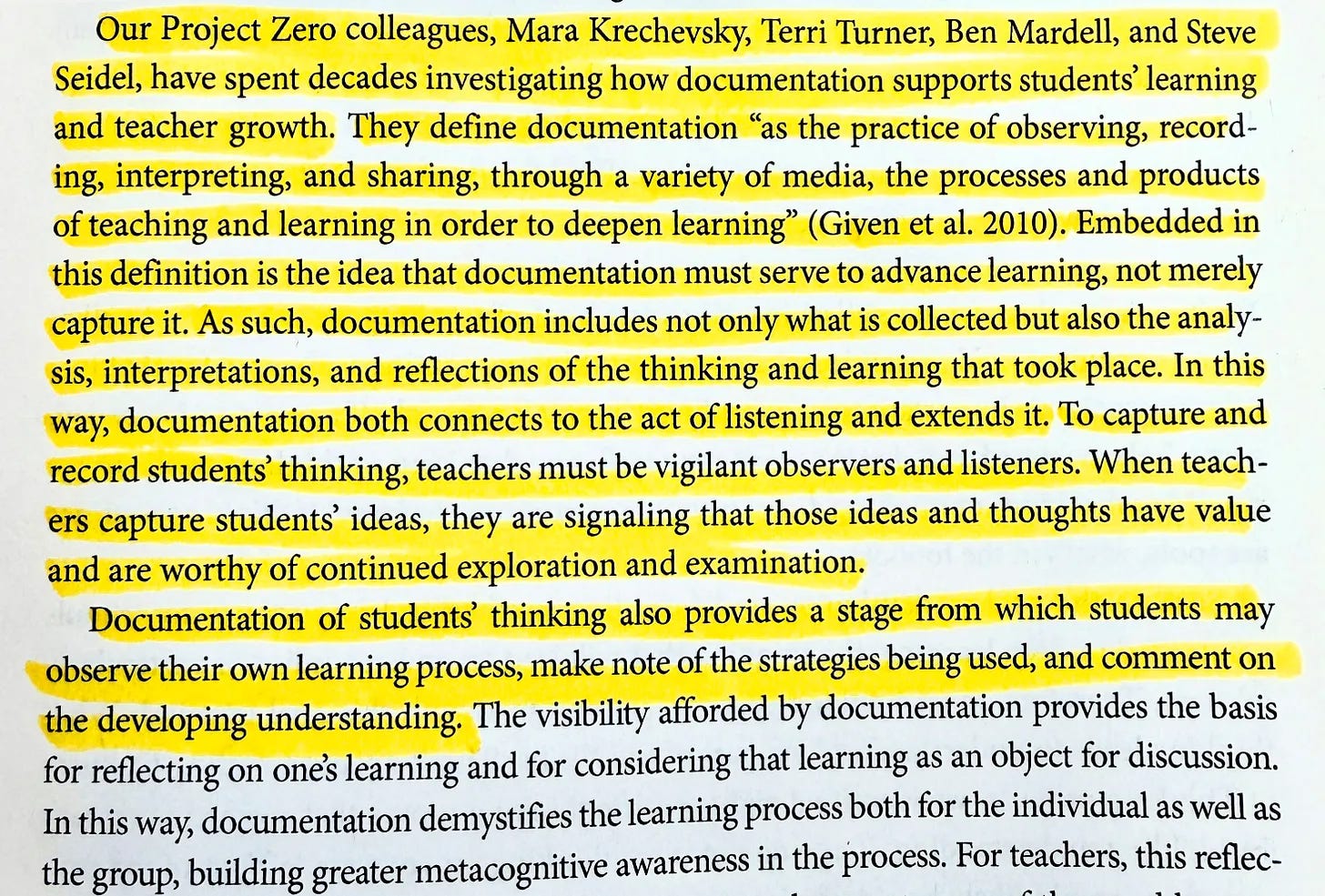
What I love about this is that documentation serves multiple purposes: observing, recording, interpreting, and sharing, all aimed at deepening learning. No mention of policing or controlling students. When students observe their own process, record what they notice, interpret what shifted, and share their thinking with others, that is metacognition in action! Documentation is the mechanism that makes it possible.
“But Isn’t This Just More Work?”
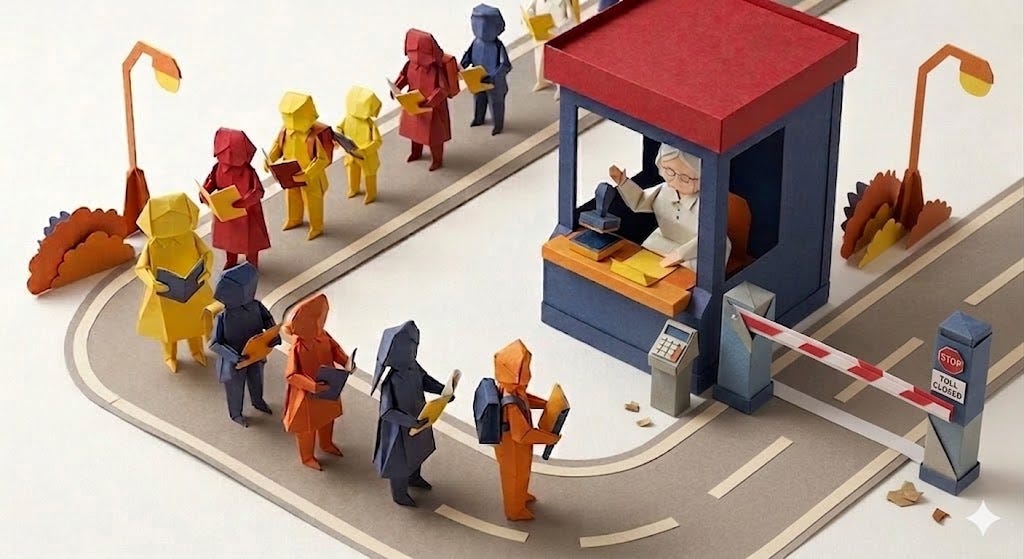
If you’re asking about the workload for you as a teacher, you get to choose how much of it you read. Students can review their own thinking and peers can respond to each other. Teachers don’t have to be the center of all knowledge, learning, and effort in the room! Isn’t that freeing to remember? The teacher who says “this feels like more grading” is picturing a system where everything funnels back to them; let your students do the majority of the effortful thinking!
Second, documentation doesn’t have to be complicated. It could be a reflection, sketch, or screenshot of an AI chat with a two-sentence takeaway. It can be as complex as the student needs or a record of what they did in that step of their thought process. It could be as simple as a revision note explaining why a student made the choice they made or as complex as a research plan. You know your students and you know the learning objectives. The point is that we record students’ thinking to help them see how it unfolds over time.
Third, the way documentation is framed can have an impact on our mindset around it. As a coach, when I use the word “breadcrumbs” with teachers instead of “documentation,” they tend to like it. There’s something about the small size, and the Hansel and Gretel allusion to leaving a trail so you can see your way that resonates in a way that “documentation” never quite does. Try it with your students and see how it goes. Try reading a part of Hansel and Gretel with your students, too, even if they’re in high school. It’ll be a fun invitation to documenting learning that they won’t see coming.
Fourth, Not every breadcrumb needs a grade, and that’s usually what teachers actually mean when they say documentation is more work; they’re picturing themselves assessing every artifact, every reflection, every sketch. A single breadcrumb doesn’t always reveal much on its own, but a trail of them over time reveals something to the student and teachers (as coaches, not police) that a final product never could in isolation; it’s the basis of holistic assessment, where the whole collection tells a richer story than any single piece of evidence, or worse, none at all. And while we’re here: who decided the product has to be final? Sharing, reflecting, and iterating are legitimate steps after a “final” essay is “done”. The breadcrumbs are what make that continuation possible; they’re the trail and the collection together, the picture of what actually happened and how a student’s thinking evolved alongside AI over the course of a larger process.
So really, if you find yourself saying that documenting learning is more work for you, you might be doing more work than the students. The fabulous thing is that the locus of control sits squarely with you! You can choose how much of the documentation you read, what student-peers give feedback on, and what students use to self-reflect. You need not worry about carrying this on your shoulders, my friends!
One trap worth naming: students who are highly motivated by grades will sometimes document their thinking for the wrong reasons. If a teacher responds to “is this graded?” by grading every step, the breadcrumbs become compliance artifacts and the whole purpose can be subverted. A more powerful move is to teach the why instead. Something like: “We’re collecting our thinking in this journal because it’s one of the most powerful ways to see how your own learning actually works. I’ll ask you to reflect and notice what’s changing, and to plan your next steps. This is what deliberate learners do, and I’ll be with you through the process.” That framing invites students into the science of learning rather than the transaction of grading.
What Can Breadcrumbs Actually Look Like?
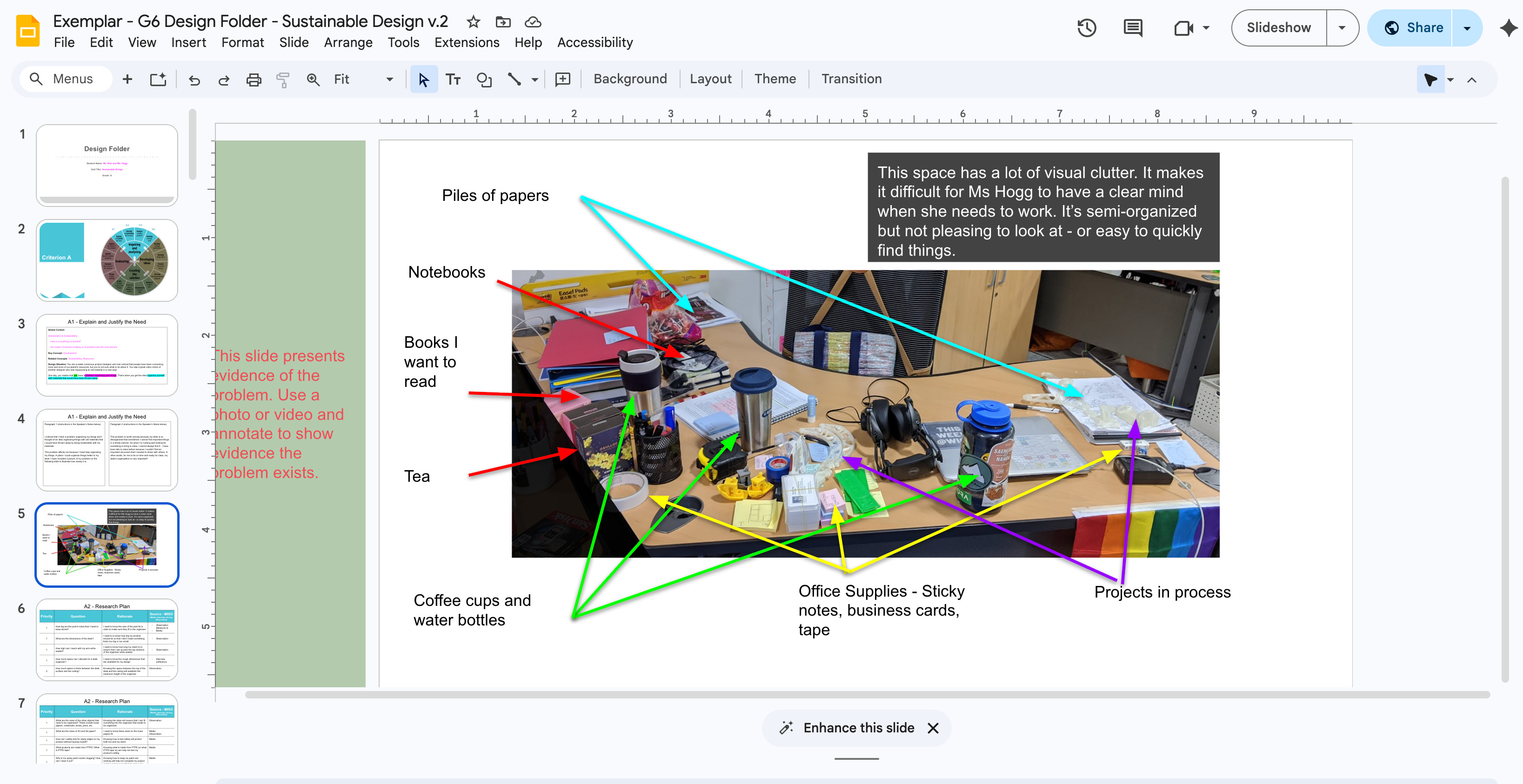
There’s no single right answer for the best ways to document thinking. You’ve got to use your professional judgement and awareness of your students’ needs, abilities, cultures, interests, and background knowledge. So think of the below ideas as a menu of possibilities. Pick what fits your context as the teacher, or if your learners are ready, give them choices.
Process Journal 1: Google Slides or PowerPoint
This is a format I keep coming back to because of its flexibility. Slides chunk thinking automatically. Pages duplicate easily. Teachers can co-design simple templates with students for frequent moves like reflections, research notes, journal entries, and prototype sketches. It’s super easy to take a photo and drop it into a slide. They’re also made for presenting. During a class share-out, a student’s process journal can go full screen. It also works beautifully for student-led conferences, where the process journal becomes the artifact that a student walks their family through. Free, easy, and high impact.
If students use AI in their thinking process, screenshots and links can easily be placed into this format.
Process Journal 2: Google Docs or OneNote with Tabs
If you want to combine the idea of PowerPoint and Word into a one-stop shop, both Google Docs and Microsoft OneNote are pretty good. They both have tabs to show sections, time periods, or even stages of their process. A second thing that can be used to support student thinking is revision history, which shows the timeline of thinking. This is available in just about all Microsoft and Google tools, although I have not seen it in OneNote.
If students use AI in their thinking process, similar to the above, screenshots and links can easily be placed into this format.
Process Journal Templates

An AI-enhanced process needs somewhere to live: enter process journals. Not a portfolio, not a graded artifact, not proof that students didn’t cheat. A home for the trail of thinking that I call breadcrumbs; the messy, honest, in-progress thinking that makes learning visible while it’s …
Process Journal 3: Paper Notebooks
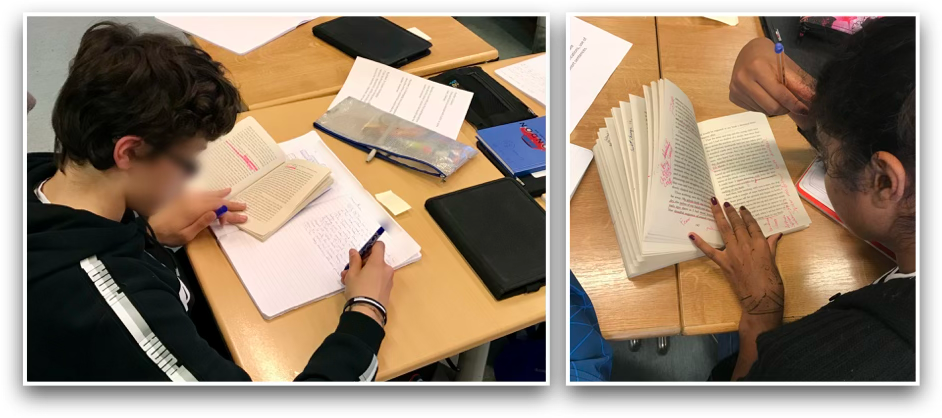
This option is less shareable, so if that’s your goal, you might want to try Slides. That being said, paper journals are often more focused. When students step away from screens, something magical in their creativity and depth of thinking happens. Students frequently say it actually feels good to put the tech down for a bit. There’s something about pen and paper that resists the temptation to edit and focus on expressing ideas slowly.
If students use AI in their thinking process, it might take a little bit of creativity and trust to show how they worked with it. Perhaps printing and pasting screenshots like a scrapbook and writing their thoughts.
Process Journal 4: Evidence Folders
This format is helpful when there’s a wide range of artifacts that are disparate in nature. You might ask the students to follow clear naming conventions and organize their work in a way that is easy to follow. The folder could include screenshots, audio recordings, movies, links, PDFs they read, and anything else they find worth saving.
If students use AI as a part of their process, they can easily include links to entire chats, screenshots of conversations, or Word files with both of the aforementioned things.
Conclusion
Teens will likely always be exhausted at dinner when you ask what they did at school today. That’s not changing because teens are teens, and we love them just as they are.
But exhausted-and-filled-with-noise is different from exhausted-and-clear. A student who practiced metacognition with their artifacts through structured conversations and had time to do so in class before more content was thrown their way will have a much clearer sense of direction. It’s the power of consolidation.
I’m worried that AI could add to the noise and the desire to complete more tasks. Let’s be more productive, do the job of 10 people, and complete more tasks without actually having gained anything.
I would love to teach our way out of a dystopian, AI-reliant future by empowering thoughtful children with the practice of reflection through documentation. When AI is a guest collaborator in the room, that kind of awareness has to be practiced.
Teens might not volunteer everything they learned. Parents might still need to ask twice. The fork might still go down. But every now and then, a student reaches back into their day and finds something worth talking about; something they built, something they noticed, something that was actually theirs to share.
Monday-Ready Question Bank
When asking students to practice metacognition with the documented breadcrumbs, you might ask these sorts of questions. I have framed them almost as “before and after” with commonly asked questions reframed.
Instead of “What went well?” ask “What shifted in your thinking, and what caused that shift?”
Instead of “What would you do differently next time?” ask “What’s the most important decision you made in this process, and would you make it again?”
Instead of “What was challenging?” ask “What challenged you, and did you push through it or find a way around it?”
Instead of “What did you learn?” ask “What do you think now that you didn’t think at the start, and what changed your mind?”
Instead of “Did the AI help you?” ask “Who did the work here? Where was the thinking yours, and where did you hand it off?”
Related Reading
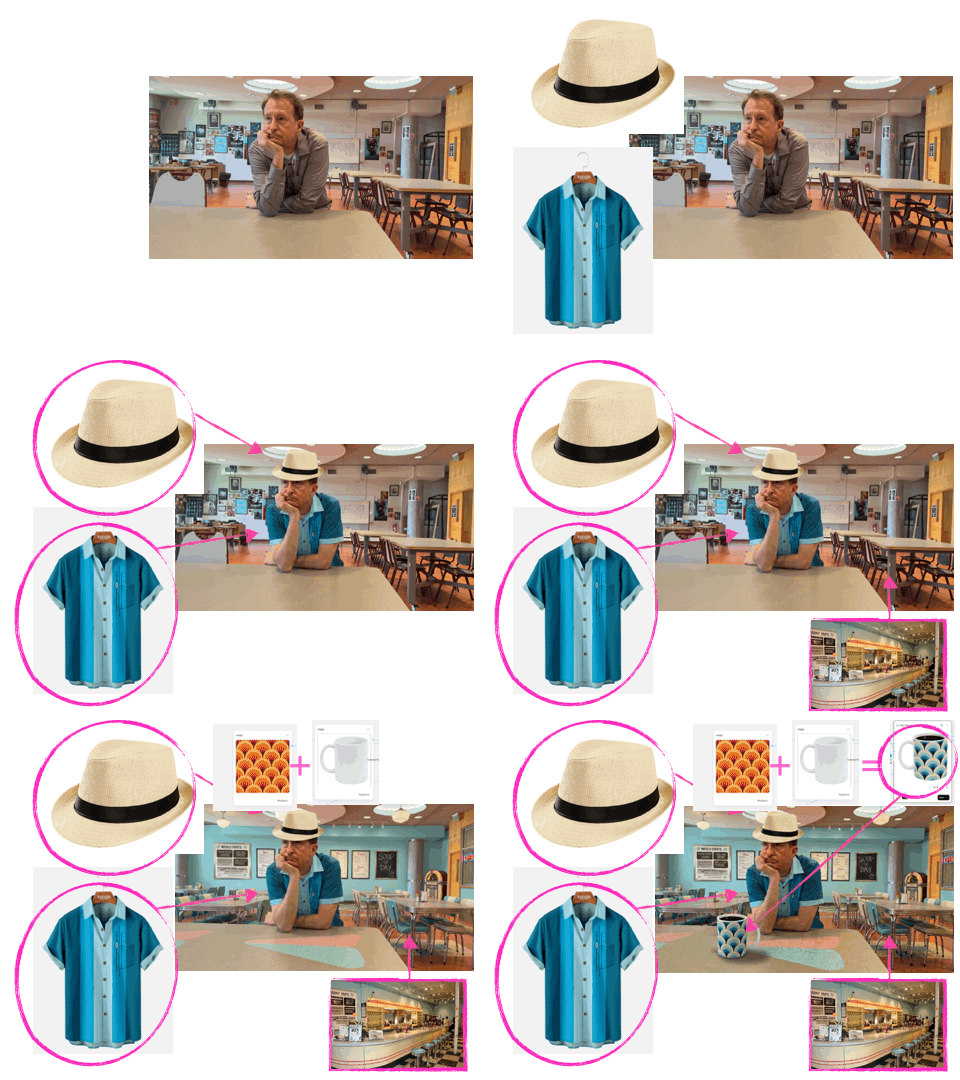
Take a look at the example below from David Gran’s article for InThinking in which he created a film with his thoughts about AI. The article is an exploration of ideas, but it’s also a process journal with several interesting artifacts. He has screen recordings, animated GIFs, pictures, and other forms of documentation that could inspire your work with your students. There is so much transparency in his process!
Related Podcasts
Below are a few podcast articles that I thought you might also enjoy listening to, related to the idea of documenting learning, metacognition, and assessment.
"Metacognition & AI"

In this episode of The EdTech Lens, Alex explores one of the most powerful ideas in learning: metacognition. Inspired by Amelia King’s recent book, Thinking with AI, and the rising need to understand how AI intersects with thinking, this episode looks closely at how learners plan, monitor, and make sense of their thinking before, during, and after learn…
"Writing with AI"

In this four-part episode, Alex has an interview with five different guests who share their insights on using AI to meaningfully help students to write. Key ideas that emerge: grading chats can be fun and insightful, writing is a form of thinking, process and product are important, it's possible to write with AI and still know your content, and much mor…
"AI and Assessment" (Revisited)

In this episode, I have three chats with different international educators who are working with AI and assessment in different contexts. My previous episode on assessment was one of my more popular, so I thought it was time to come back and see where we were at in terms of thinking that might be developing or getting more refined. It’s been a year since…
AI Disclosure
This article has been all about breadcrumb trails of thinking, and I have shared many possible ideas. This disclosure statement is another example of what a breadcrumb could look like in the form of a disclosure statement.
This article was developed with AI assistance, including content drawn from the Metacognition chapter of my book, AI-Enhanced Processes (Second Edition). The direction, framing, examples, and voice reflect my judgment throughout.
I used Claude 4.6 Sonnet as the primary collaborator on this article. I found Projects to be helpful because it was aware of my book, my style, and purpose. That helped me to stay on track and to have a critical friend in the process.
Images were made primarily with Google Gemini, although at times I used ChatGPT to get the image started. Gemini was definitely fast, but would sometimes create images with inconsistencies that needed to be adjusted. I enjoyed Gemini’s annotation features to be able to show the AI where I needed to change a picture.
This article took me approximately 9-10 hours to write, and the editing process was completed while on an airplane ride, while offline and flying to Osaka. AI supported the drafting process; the thinking is mine.