


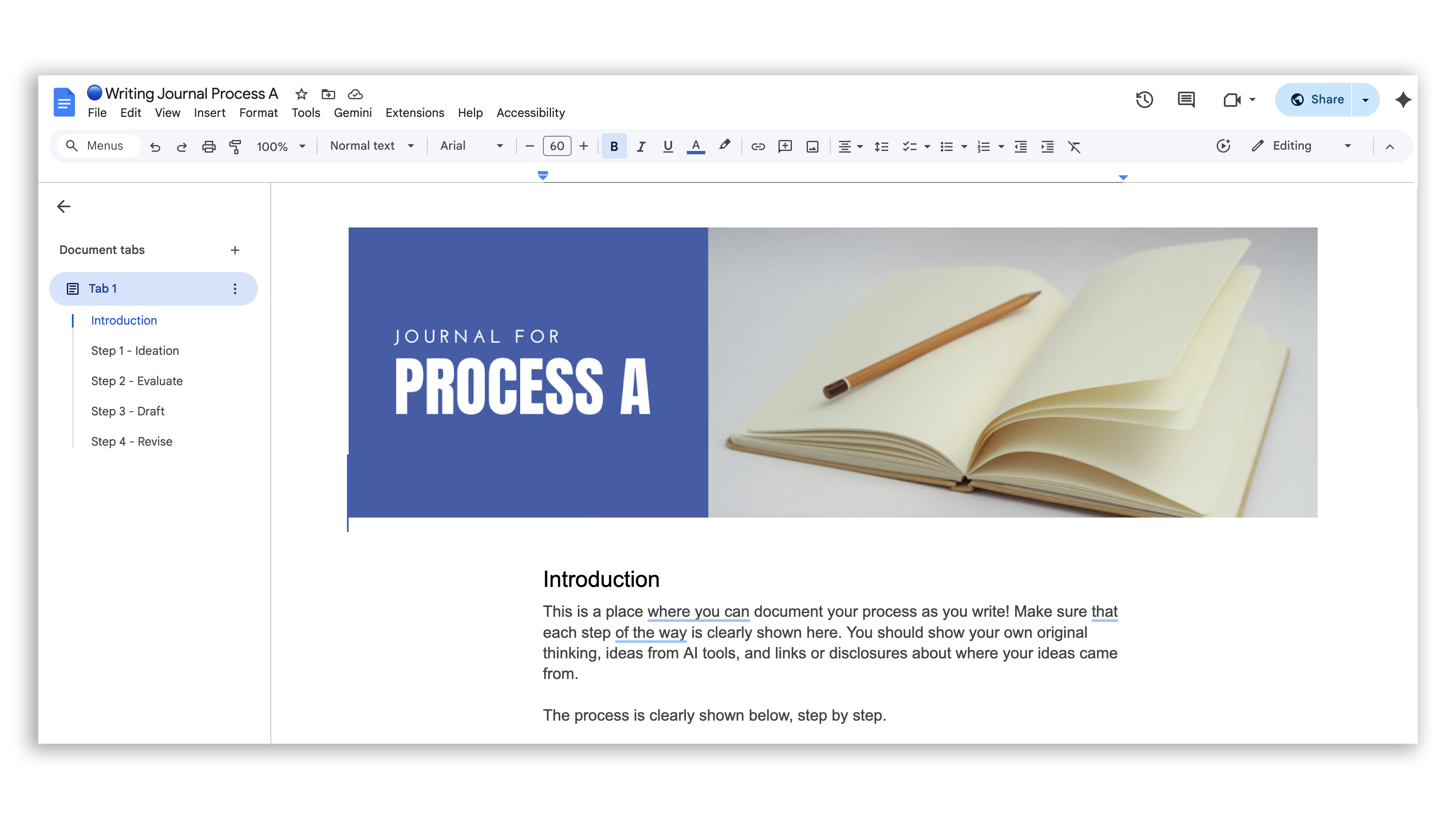
An AI-enhanced process needs somewhere to live: enter process journals. Not a portfolio, not a graded artifact, not proof that students didn’t cheat. A home for the trail of thinking that I call breadcrumbs; the messy, honest, in-progress thinking that makes learning visible while it’s still happening.
When you design a process with thinking moves like Think, Generate, Edit, each step produces something. A draft, a decision, a reflection, a screenshot of an AI conversation with a two-sentence annotation. The process journal is where those pieces land. Students can look back at it and actually see how their thinking moved. Teachers can pull it up during a conference and ask one good question. Peers can read it and respond to something real.
The templates below are Google Doc and Word versions of the writing process journals from my “Writing with AI” presentation. Each one is built around a short sequence of thinking moves with space for students to document as they go. They’re designed to keep instructions light and thinking central. Take one, adapt it to your context, and try it with one task before you scale it.
A few things worth knowing before you dive in:
The journals were built in Google Docs, so that version will look the most polished. The Word versions are fully functional but may need minor formatting adjustments depending on your setup.
When you click a Google Docs link, it will automatically create a copy in your Drive. The Word links download directly. Choose whichever fits your classroom technology.
Google Docs (links)
Process A - This exemplar uses a lower amount of AI.
Process B - This exemplar uses a medium amount of AI.
Process C - This exemplar uses AI throughout the process.
Microsoft Word (Download)
Process A - This exemplar uses a lower amount of AI.
Process B - This exemplar uses a medium amount of AI.
Process C - This exemplar uses AI throughout the process.
Task Tags
Some teachers also want to label individual steps inside a process, indicating when AI collaboration is invited, and when the thinking needs to stay with the student. That’s what the “Task Tags” are for. Clear labels make expectations concrete without a five-minute explanation at the start of class because they become regular and routine parts of class.


If you like this content, my upcoming book has a full chapter about writing with AI! Make sure to subscribe to this website to get the announcement when it’s available!